
Long, messy URLs cost you clicks. A 150-character link packed with tracking codes and random strings looks suspicious, breaks in emails, and eats up your social media character count.
A link shortener fixes all of that, and then some.
This guide explains exactly what a link shortener does, how it works step by step, and the real reasons businesses and marketers use one every single day.

Key Takeaways
- A link shortener converts long URLs into short, clean links that redirect anyone who clicks to the original destination
- Every short link you create becomes a trackable asset with click data, location insights, and device information
- Branded short links build audience trust and increase click-through rates by up to 39%, according to Rebrandly’s study of over 1 billion clicks
- Modern link shorteners go beyond shortening — they include analytics, QR codes, retargeting pixels, and A/B testing
- You can update where a short link points at any time without changing the link itself
Quick Answer: What Does a Link Shortener Do?
A link shortener takes a long URL and converts it into a shorter, cleaner link that redirects anyone who clicks it to the original destination. When you paste a URL into a link shortener, the tool stores your original address in a database and assigns it a unique short code. Every click on that short link passes through the shortener’s server first — recording data about the visit — before sending the user to your final destination. The result is a short link you can share anywhere, with full tracking data attached to every visit.
How Does a Link Shortener Actually Work?
The whole process takes milliseconds, but three clear steps happen behind every short link.
- You submit a long URL. Paste your original link into the shortener — a blog post, a product page, or a campaign landing page.
-
The tool generates a short code. The shortener stores your URL in its database and creates a unique alias, like
tlinky.one/summer-sale or tly.bd/summer-sale - Clicks get redirected and tracked. When someone clicks your short link, the shortener’s server intercepts the request, logs the click data (time, location, device, referral source), then immediately sends the user to your destination URL.
The redirect uses a standard HTTP status code — either 301 (permanent) or 302 (temporary). Both pass full SEO value to your destination page. The 302 is actually preferred for short links because it keeps destinations flexible without browser caching issues. Either way, users never notice the middle step. That split second is where all your analytics get captured.
What Can a Link Shortener Do Beyond Shortening?
This is where most people underestimate the tool. A basic link shortener makes URLs shorter. A modern link management platform like TLinky does a lot more.
Click tracking and analytics. Every short link becomes a data source. You can see how many people clicked, when they clicked, where they were located, what device they used, and which platform referred them. This turns every link you share — in an email, a social post, or an ad — into a measurable asset.
Branded short links. Instead of a generic short domain, you use your own brand name in every link. According to a study by Rebrandly analyzing over 1 billion link clicks, branded short links get up to 39% more clicks than generic ones. A link like yourbrand.com/offer converts better than a random string of characters every time, because people trust links from brands they already recognize.
Custom slugs. You control the text after the slash. tlinky.one/free-trial tells your audience exactly where they’re going. That transparency is cleaner, more professional, and easier to recall.
Editable destinations. You can change where a short link points at any time without changing the link itself. If you’ve already printed a QR code on 500 flyers, or sent an email to your full list, and the destination page changes — no problem. Update the link in your dashboard and every future click goes to the new destination automatically.
QR code generation. Most link shorteners generate a QR code for each short link. The QR code and the short link share the same destination, so you can update both with a single edit. This connects your offline and online marketing in one place.
Retargeting pixels. You can embed a tracking pixel in your short link. Anyone who clicks it gets added to your retargeting audience on platforms like Facebook or Google — even if they never visited your actual website. For marketers running paid campaigns, this is a significant edge.
A/B testing. Tools like TLinky let you test two destinations with a single short link. Split your traffic between two landing pages, measure which one converts better, and then redirect all clicks to the winner.
Link expiration. You can set a link to expire after a specific date or number of clicks. This works well for time-sensitive offers, gated content, or access-controlled resources.
Why Does Link Length Actually Matter?
You might wonder: with hyperlinks everywhere online, does a long URL really hurt you? In several situations, yes.
Social media posts have character limits, and long URLs waste space and look cluttered. Even on platforms that auto-shorten links, a branded short link still displays more professionally.
Email campaigns with long URLs can trigger spam filters. A clean, branded short link looks less suspicious to both filters and the people reading the email.
Printed materials — business cards, flyers, packaging, signage — cannot have a clickable link. A short, memorable URL like tlinky.one/demo is something a person can actually type. A 90-character URL with query strings is not.
SMS and messaging apps display raw URLs. A long link breaks across lines, looks like spam, and often gets ignored. A short link looks intentional and trustworthy.
Who Uses Link Shorteners?
The short answer: anyone who shares links as part of their work.
- Digital marketers use them to track campaign performance across every channel
- Content creators and influencers use branded short links in their bio pages and posts
- E-commerce businesses use them to run promotions and measure which channels drive the most conversions
- Agencies use them to manage links across multiple clients and campaigns from one dashboard
- SaaS companies use them to track referral links, onboarding flows, and feature adoption
Ready to Take Your Marketing to the Next Level?
Supercharge your marketing campaigns and drive more clicks and conversions with TLinky’s URL shortener, QR code generator, Bio page builder and link management tools. Start optimizing today!
The common thread is simple. Every link you share is a marketing touchpoint. A link shortener turns each one from a passive redirect into a measurable, manageable asset.
FAQ
What is the purpose of a link shortener?
A link shortener converts long URLs into short, manageable links that are easier to share, remember, and track. The core purpose is twofold: it cleans up how your link looks to the person receiving it, and it captures data on every click so you can measure how your links perform across different platforms and campaigns.
Does a URL shortener affect SEO?
Short links use a redirect to send visitors to the original page. Both 301 and 302 redirects pass full SEO value to the destination URL according to Google’s own guidance. Using a reputable link shortener does not hurt your search rankings. Most short-link platforms use 302 redirects by default, which also pass link equity and keep destinations flexible.
Can shortened links be tracked?
Yes — tracking is one of the primary reasons businesses use link shorteners. Every click on a short link records the time, geographic location, device type, browser, and referral source. TLinky provides a full analytics dashboard so you can monitor link performance in real time and export data for deeper reporting.
What is the difference between a URL shortener and a link management platform?
A basic URL shortener only converts long links into short ones. A link management platform does that plus analytics, branded domains, QR code generation, retargeting pixels, A/B testing, and editable destinations. TLinky is a full link management platform — you get the short link plus every tool you need to measure and optimize what happens after the click.
Is it safe to click shortened links?
Shortened links are safe when they come from reputable platforms. The concern is that a short link hides the destination URL, which bad actors can exploit. Reliable platforms like TLinky include HTTPS encryption, spam filtering, and security protections. If you are unsure about a shortened link from an unknown source, it is best to verify the sender before clicking.
Can you edit a short link after it has been shared?
Yes — this is one of the most practical features in modern link shorteners. You can change the destination URL of a short link at any time without changing the short link itself. Existing shares, printed materials, and social posts all continue to work, but now point to your updated destination. TLinky supports editable link destinations on all plans.
Conclusion
A link shortener does more than make your URLs smaller. It gives you clean, branded links your audience trusts, full analytics on every click, and the flexibility to update, test, and optimize your links long after you share them.
If you are sharing links as part of your marketing — and you almost certainly are — a link shortener turns every one of those links from a passive redirect into a measurable, manageable marketing asset. That is the real value of the tool, and it is why businesses from solo creators to enterprise marketing teams make it a standard part of how they work.
Bonus Content
Popular Link Shorteners: Which One Is Right for You?
Not every link shortener fits every use case. Here is a quick breakdown of the most widely used options in 2026 so you can choose the right tool for your workflow.
TLinky: Best for Marketers Who Want Everything in One Place
If you need more than a basic URL shortener, TLinky is built for you. It combines link shortening, branded short links, dynamic QR codes, a Link-in-Bio page builder, advanced click analytics, retargeting pixels, A/B testing, and custom domain support — all from one clean dashboard.
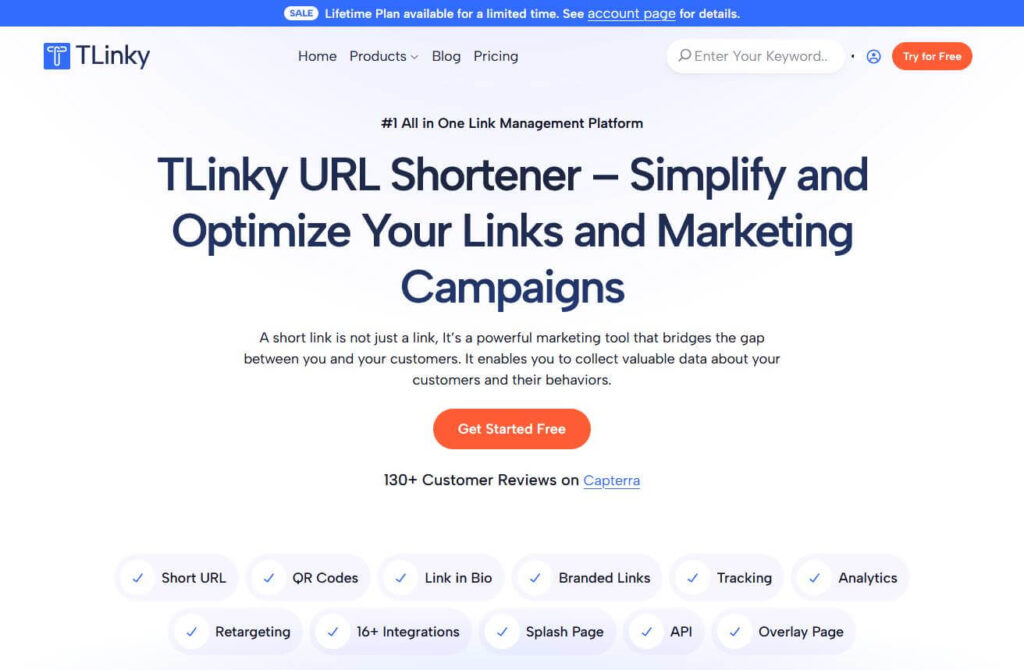
TLinky is a strong fit for digital marketers, agencies, content creators, and small to mid-sized businesses that want to track, manage, and optimize every link they share. The platform is ad-free, which means your shortened links never show interstitial ads to the people clicking them.
Key features: branded short links, real-time analytics, QR code generator, Link-in-Bio builder, retargeting pixels, A/B testing, link expiration, UTM builder, and password-protected links.
Start shortening links free with TLinky
Bitly: Best for Enterprise Teams Already Invested in the Ecosystem
Bitly is one of the most recognized names in link management. It offers branded short links, QR codes, and detailed click analytics. The platform integrates with tools like Zapier, HubSpot, and Salesforce, which makes it a natural fit for large teams running complex marketing stacks.
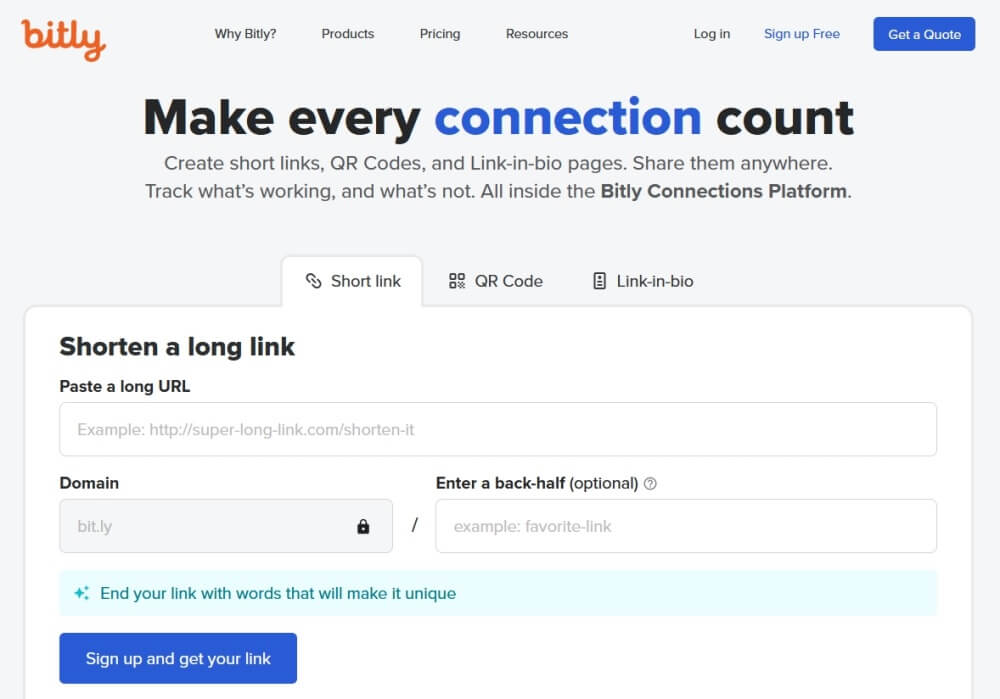
That said, Bitly’s free plan is heavily restricted. As of 2026, free users get only 10 links per month. Paid plans start at $8 per month for 50 links and climb sharply. Custom domains, city-level analytics, and advanced features require the Business plan at $29 per month or higher. Some users have noted that Bitly’s free tier recently added ads to existing links, which is worth knowing before you commit.
Best for: Large organizations that need enterprise-grade reliability and already use Salesforce or HubSpot integrations.
TinyURL: Best for Quick, One-Off Link Shortening
TinyURL has been around since 2002 and does one thing reliably: it shortens links fast, with no account required. If you need a short link in under 10 seconds and do not need tracking or branding, TinyURL is the simplest option available.
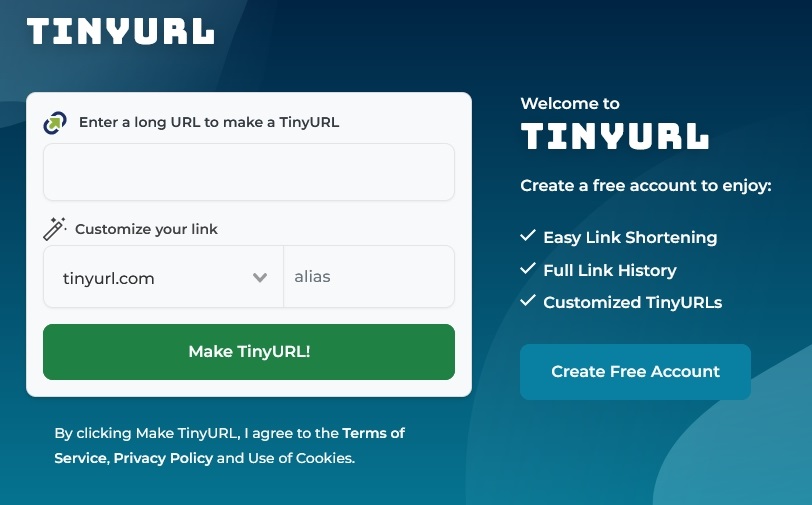
The free plan is ad-supported and lacks analytics. If you need click tracking, geographic data, or branded domains, you will need to upgrade to the Pro plan at $9.99 per month. TinyURL is not the right tool for active marketing campaigns, but it is hard to beat for personal use or quick one-off links.
Best for: Individuals who need fast, permanent short links without any setup or ongoing management.
Ow.ly: Best for Hootsuite Users Only
Ow.ly is Hootsuite’s built-in link shortener. It is no longer available as a standalone public tool. If you use Hootsuite to schedule social media posts, Ow.ly is already built into your workflow. It shortens links, applies UTM parameters automatically, and tracks click performance directly inside the Hootsuite analytics dashboard.
Outside of Hootsuite, Ow.ly has no function. It does not support custom branded domains, and your link data stays locked inside the Hootsuite platform. If you switch social media schedulers, you lose access to your link analytics.
Best for: Marketers who already use Hootsuite and do not need a standalone link management platform.
How TLinky Compares at a Glance
| Feature | TLinky | Bitly | TinyURL | Ow.ly |
|---|---|---|---|---|
| Free plan | Yes | Yes (10 links/mo) | Yes (ads) | Hootsuite only |
| Branded short links | Yes | Paid plans only | Paid plans only | No |
| Click analytics | Yes | Yes | Limited | Hootsuite only |
| QR code generator | Yes | Yes | Yes | No |
| Retargeting pixels | Yes | No | No | No |
| A/B testing | Yes | No | No | No |
| Link-in-Bio builder | Yes | Yes | No | No |
| Ad-free | Yes | Paid plans only | No | Yes |
| Custom domains | Yes | Paid plans only | Paid plans only | No |